MKhost Knowledgebase
Need help? Search or browse our large collection of articles on a variety of topics including hosting, domains, emails and more .
Change/update client information
How to update your user account details
Important:The change applies only to your account profile details. The registrant details for domains that are already registered remain unchanged.
You can view and update your account details through the MKhost customer portal. If you have a new address or phone number, or need to switch your account type from individual to business or vice versa, you can start the process in the“My Account”section.
After logging in, select“My Account”from the menu. The“General Information”section will open, displaying the details associated with your user account. Here, you can review your existing information and update any details that may have changed.
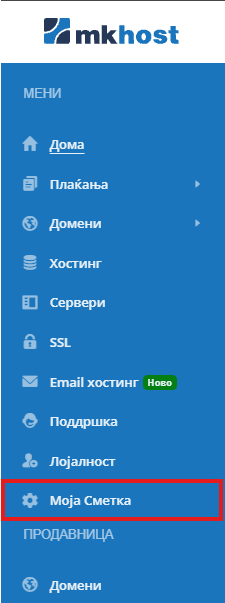
You can also switch your account type from business to individual or vice versa.

If you have an individual account and want to add a company, follow the same procedure.
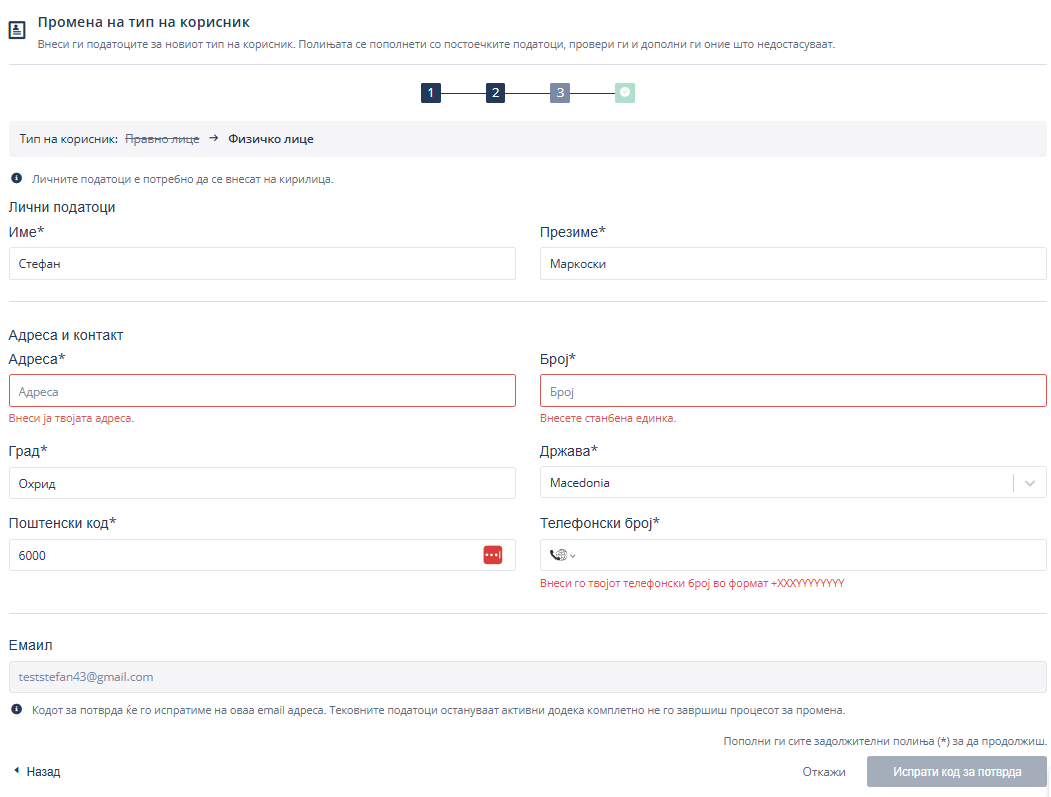
Review the prefilled details in the form and enter any missing information. The fields will depend on the account type you are switching to. Then click“Send Verification Code”.
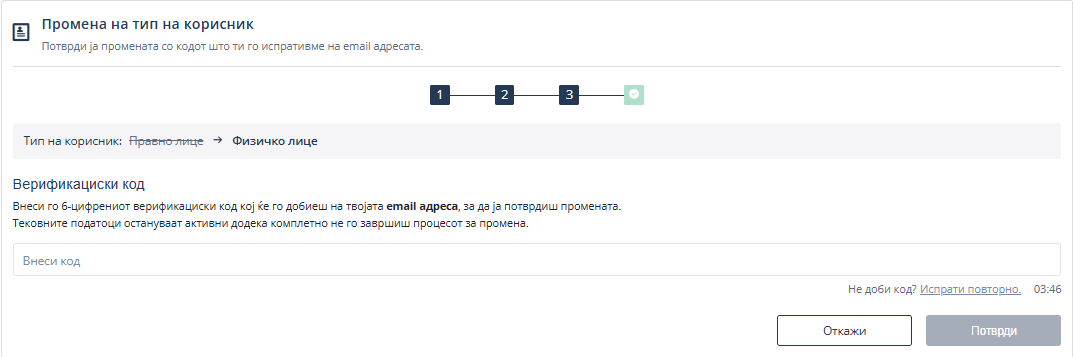
You will receive a6-digit verification codeat your email address. Open the message, enter the code in the“Verification Code”field, and click“Confirm”.
If you do not receive the message containing the code, check yourSpam/Junkfolders. If necessary, use the“Resend”option when it becomes available.
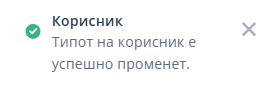
Your current details will remain active until you complete the entire process. After successful verification, a notification will appear confirming that your account type has been changed.